


Why the control plane and data plane share nothing
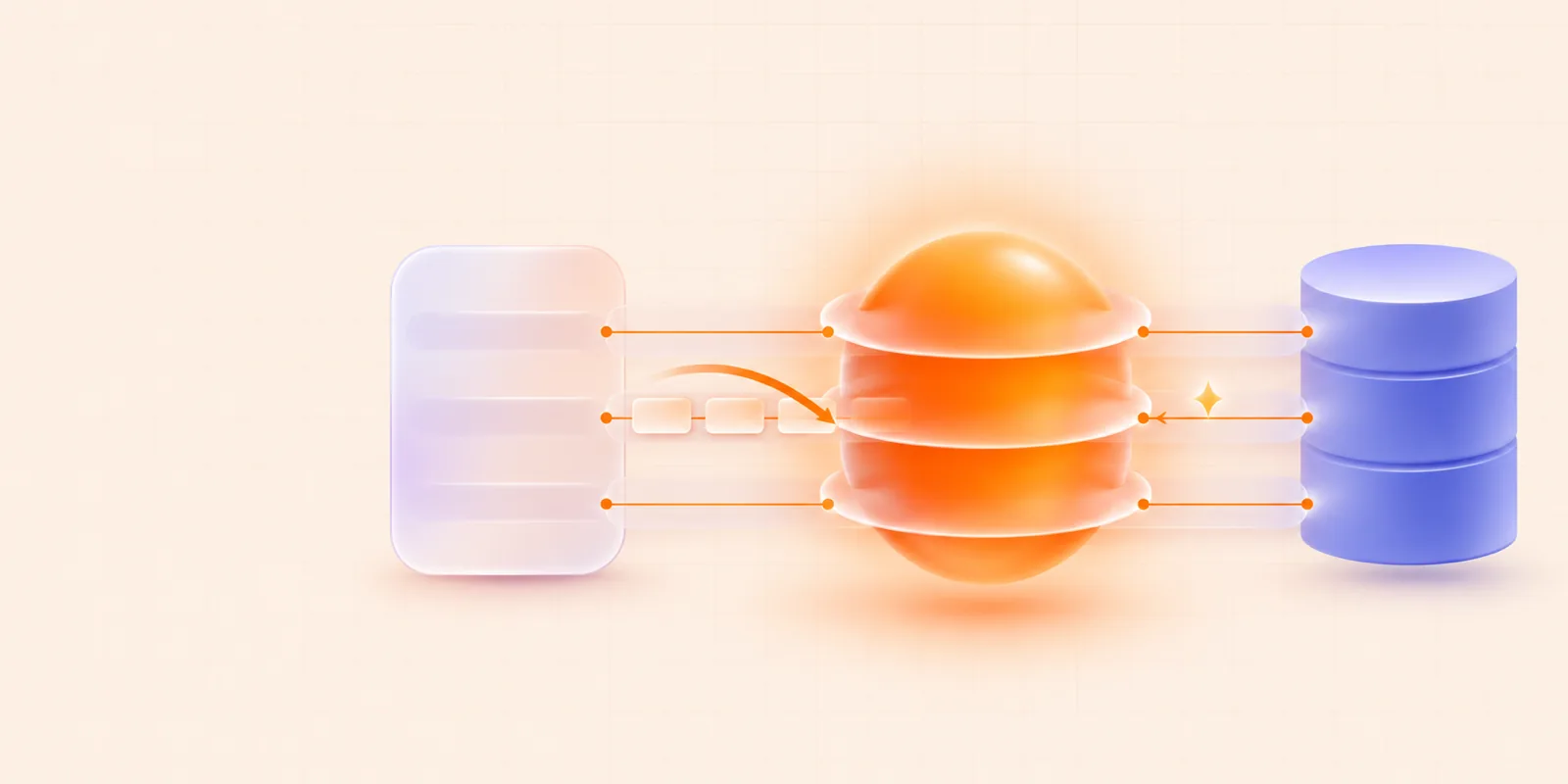
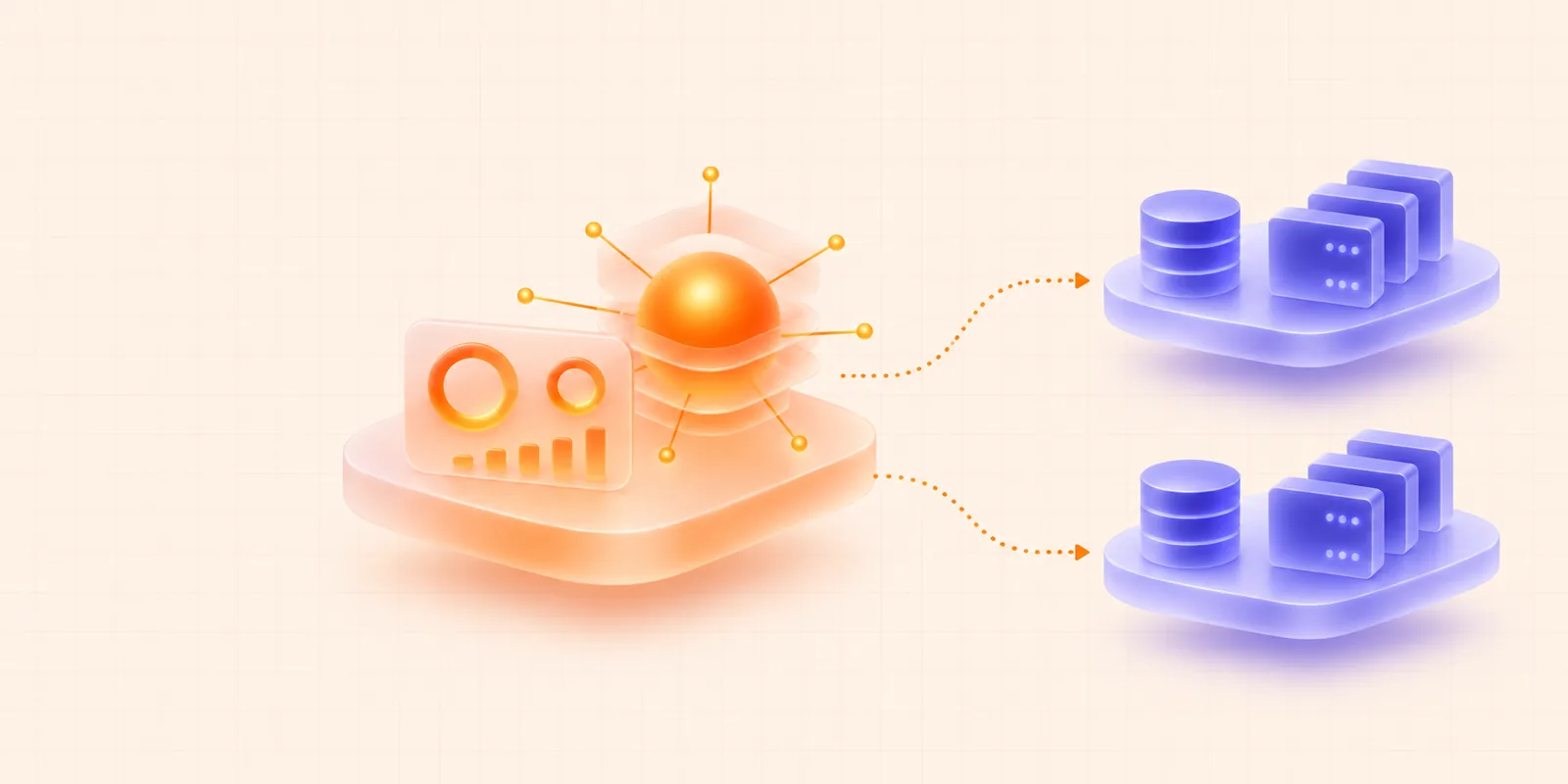
Smritea runs as two independent services that share no runtime state. The control plane handles accounts and billing. The data plane stores and searches memories. They share no database, cache or filesystem, and they talk only over HTTP.
What each plane does
The control plane is the service for people and money. It owns user login, organizations and teams, plans and billing, API key lifecycle, and the dashboard backend. It runs no memory, vector or graph stores.
The data plane is the service for memories. It owns memory operations, search and quota enforcement. Each region has its own data plane with its own relational database, cache, vector store and graph store.
The table compares the two planes on what they own, what they store, how many exist, and who talks to them.
| Control plane | Data plane | |
|---|---|---|
| Owns | Accounts, organizations, plans, billing, API keys | Memories, search, quota counters |
| Stores | Its own relational database and cache | Its own relational database, cache, vector store and graph store |
| Count | One | One for each region |
| Talks to customers' code | No | Yes, through the SDK |
Smritea has two data planes today: the United States (api-us.smritea.ai) and India (api-in.smritea.ai). One control plane serves both.
Why share nothing
Three reasons drive the split.
- Memories should live near the customer. Latency and data residency both depend on where the data sits. Smritea runs a data plane in each region, while a single control plane manages accounts and billing for all regions.
- Distance rules out shared stores. The planes run on different machines in different regions. A shared database or cache across continents cannot work, so HTTP is the only allowed link.
- A memory call should not wait on billing. The data plane checks API keys and quotas on its own machine. A memory call never makes a synchronous hop to the control plane.
A lint rule backs this up. It makes an import from one plane's code into the other fail the build, so an accidental coupling cannot slip in.
How the data plane gets what it needs
The data plane needs a little account data. It needs the hash of each API key to authenticate a call, and the plan limits to enforce quotas. It never reads the control plane's database. Instead, the control plane pushes small local copies, called projections, over HTTP.
- What gets copied: organization status and plan, API key prefix, hash and scopes, plan limits, and the region of each app.
- Where it goes: organization and plan changes go to every data plane. A key or app change goes only to the data plane of that app's region.
- How a replay stays safe: each write carries an
updated_atguard, so a replayed or out-of-order push cannot roll a copy back.
Because the data plane verifies keys against its own copy, it keeps working when the control plane is unreachable.
The control plane reaches the data plane through bridges. A bridge is an HTTP call to an internal-only endpoint. It carries a shared-secret internal token and the organization ID. The data plane makes one call the other way: it registers itself with the control plane at startup.
What the split costs
Sharing nothing has a price, and most of the price is sync work.
| Cost | How Smritea handles it |
|---|---|
| A push can fail | Failed pushes go to a durable outbox. A retry job runs hourly |
| A push can go missing | A reconciliation job runs twice a day, at 02:00 and 14:00 UTC. It checks the last 14 hours and re-pushes any drift |
| Something goes badly wrong | An operator-only full resync re-projects everything |
| Usage lives in the data plane | The control plane pulls per-organization totals hourly, so dashboard usage can be up to an hour old |
| No cross-database joins | Any query that needs both sides merges the results in code |
Each region also needs its own database to run and migrate. The projections are eventually consistent, and reconciliation is the backstop for what the event-driven path misses.
What this means for you
When you create an app, you pick a region, and Smritea pins the app to it. Your memories stay in that region's data plane. Point your SDK at the matching host.
import os

from smritea import SmriteaClient

client = SmriteaClient(
    api_key=os.environ["SMRITEA_API_KEY"],
    app_id=os.environ["SMRITEA_APP_ID"],
    base_url="https://api-in.smritea.ai",
)
An app in the India region uses the India host. An app in the United States can skip base_url, because every SDK defaults to the United States host. The regions page shows the setting for each SDK.